A look inside
Every screen below is shown with invented data.
 Personal assistant
Replaces ChatGPT, Siri, Muse, Instinct and your reminders app.
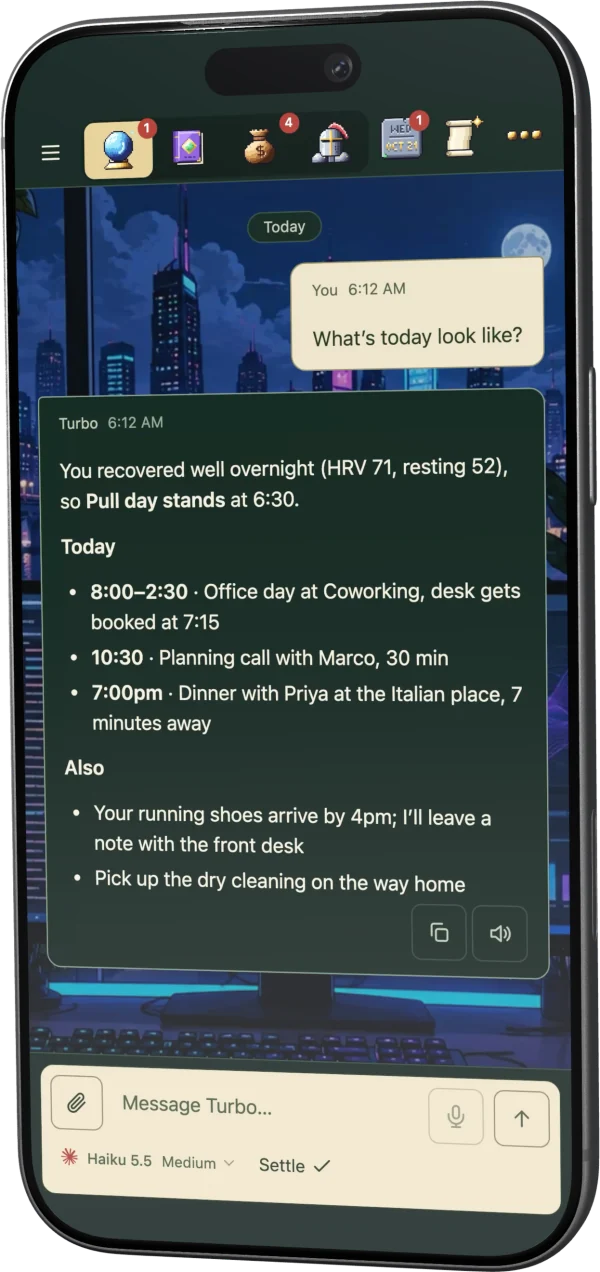
It already knows your calendar, your body, your people and your habits, so you say one line and it takes it from there. Routines run on their own, and when one uses a browser you can watch, or take over, from the Screens view. One chat can start work in another room and report back when it is done.
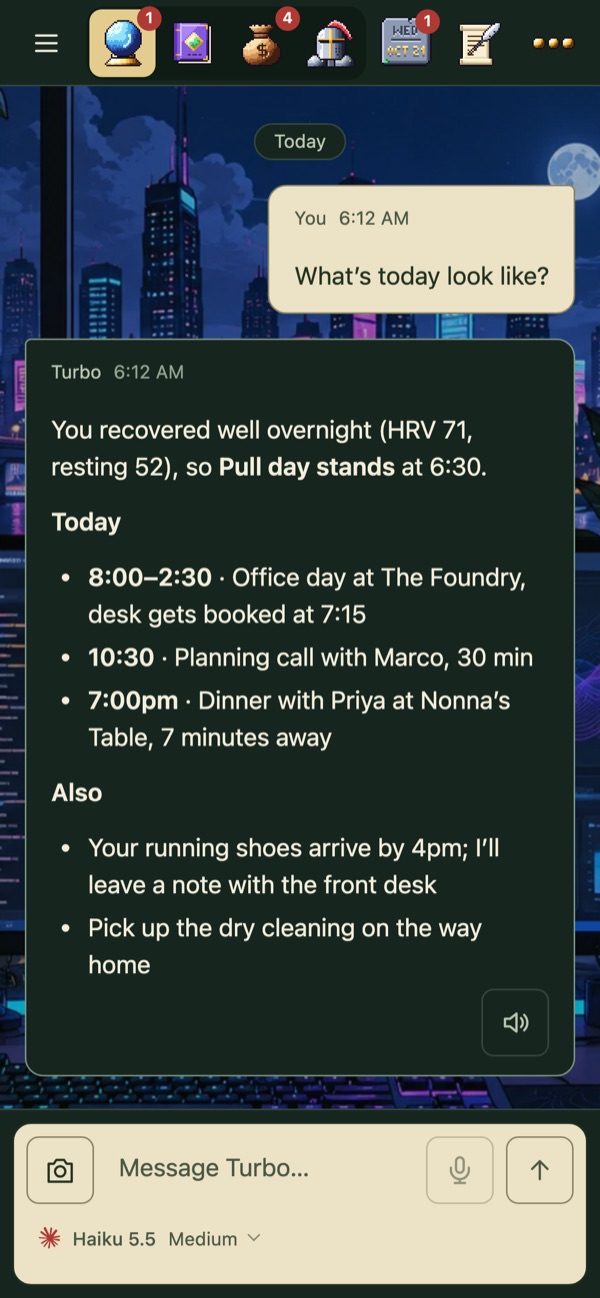 One question, the whole day
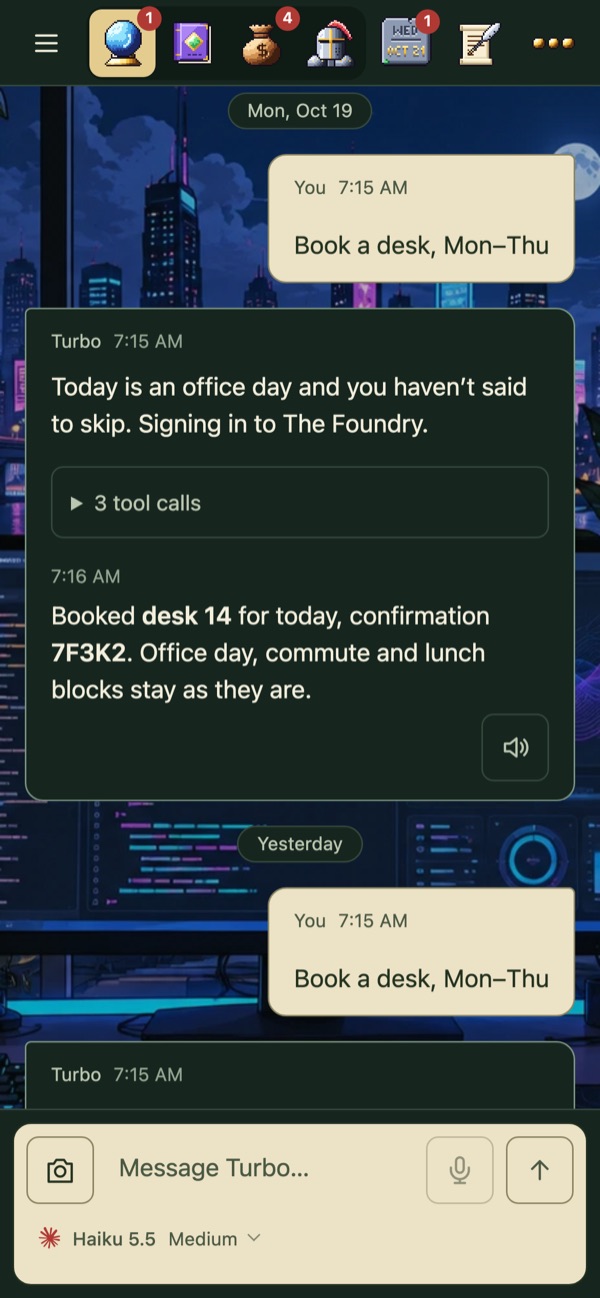 A routine books the desk at 7:15
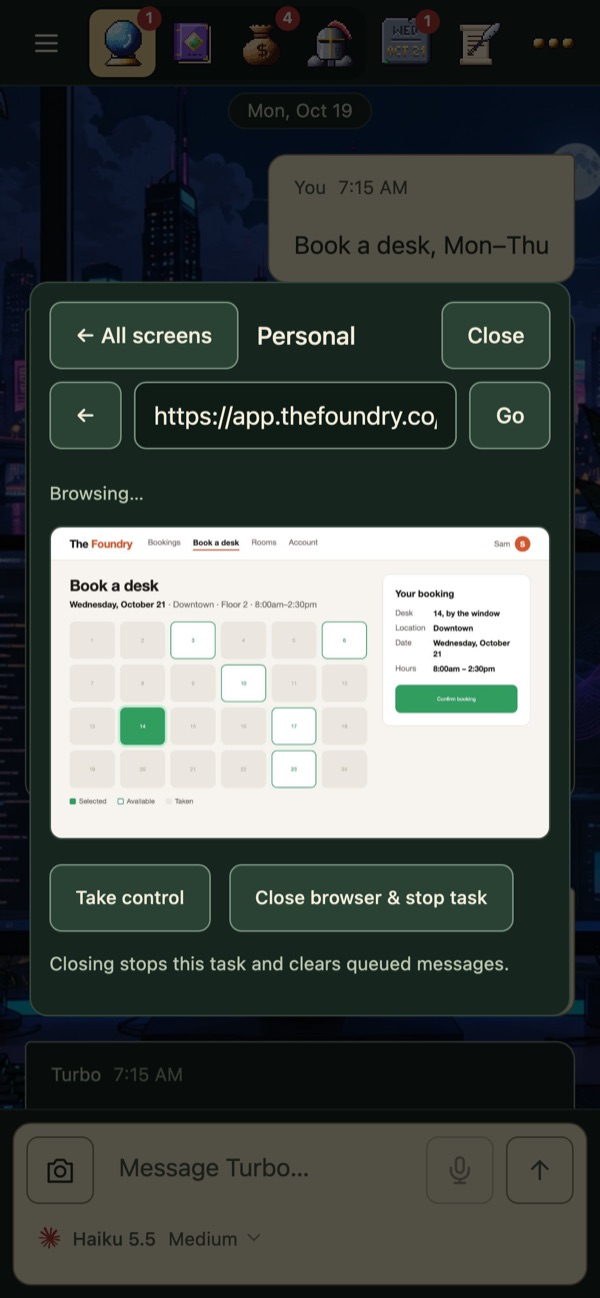 Watch it browse
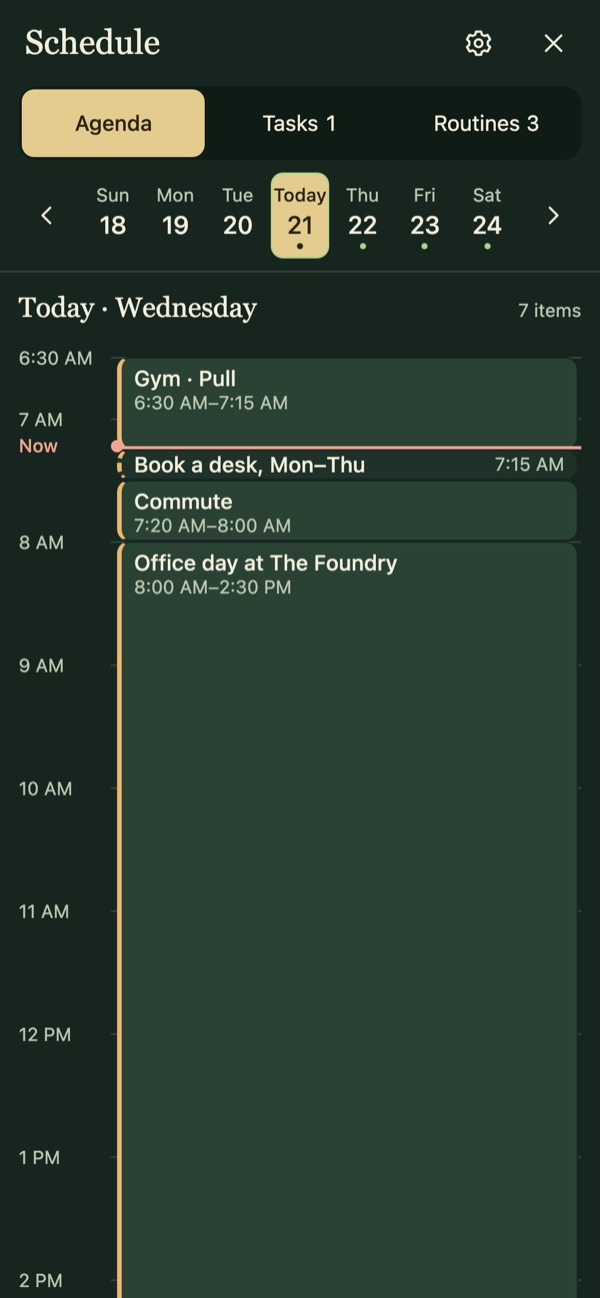 The schedule
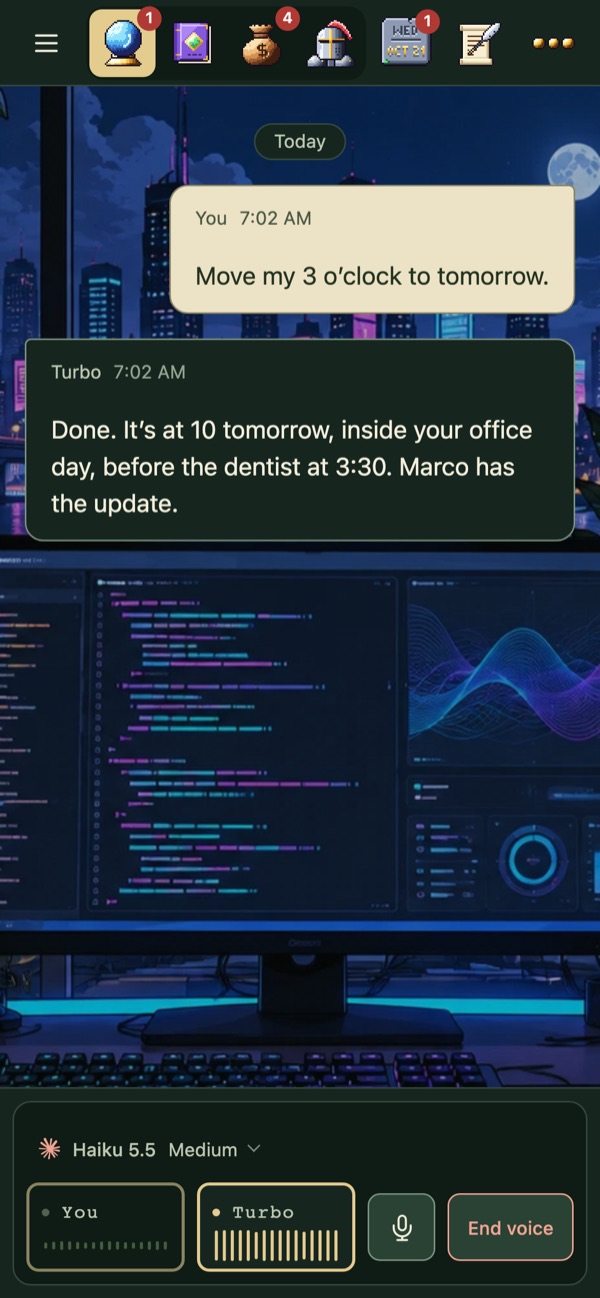 Talk to it out loud
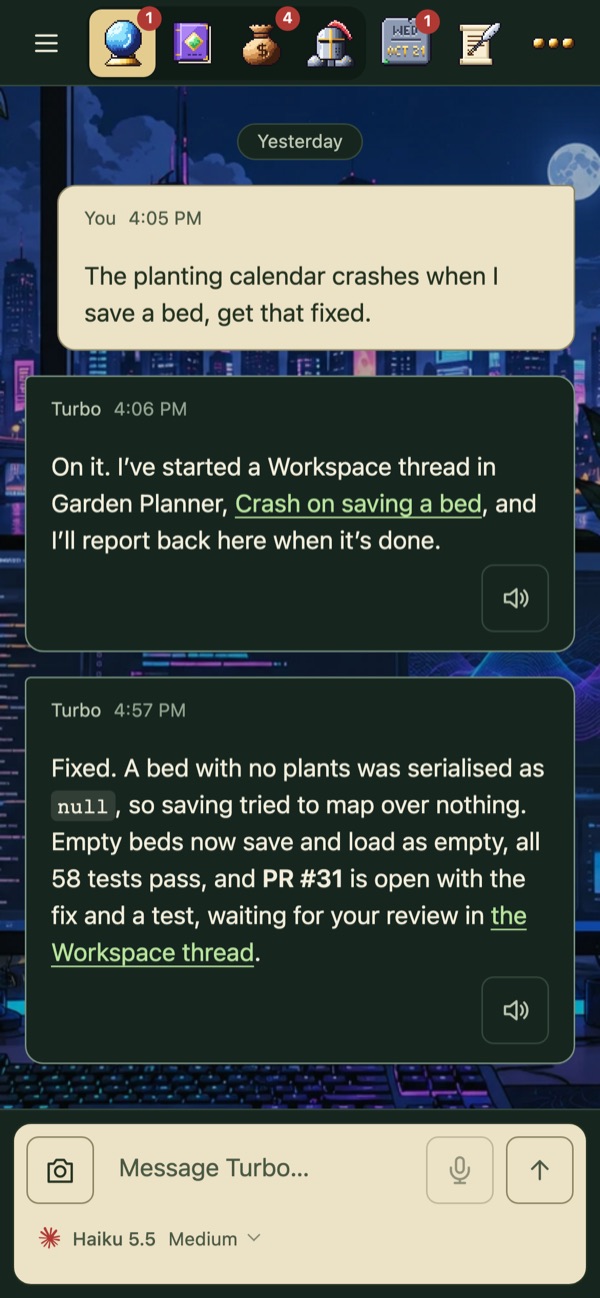 One chat starts work in another room
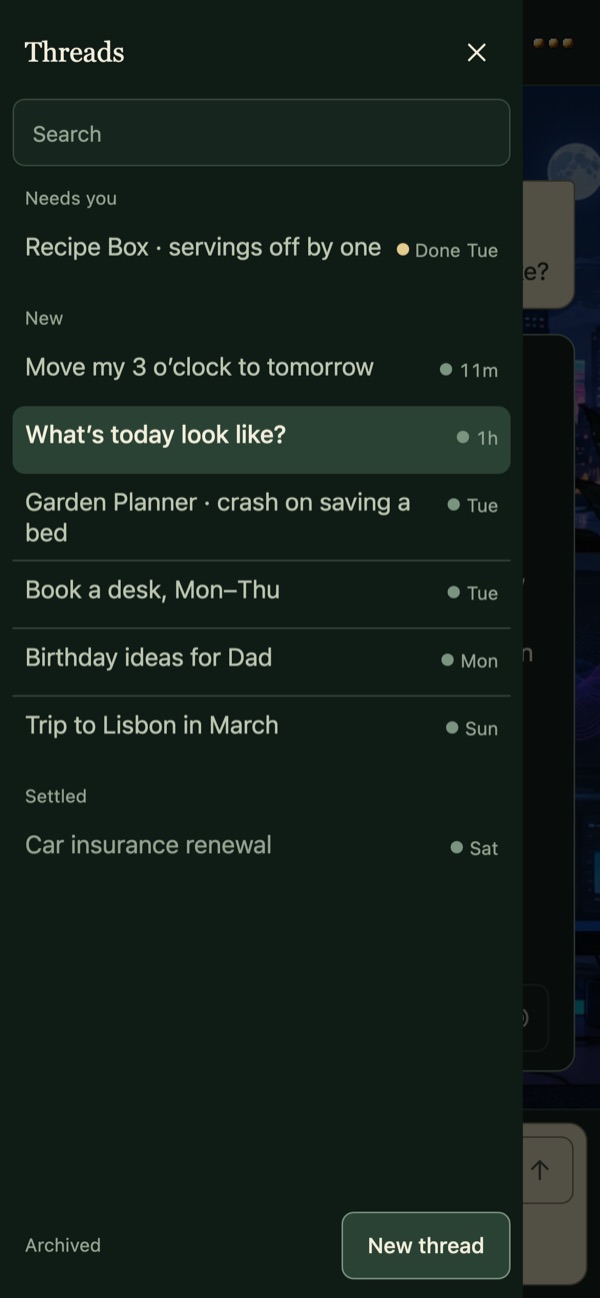 Every thread, in one list
 Workspace
Replaces Claude Desktop, Codex Desktop and T3 Code.
Each app you work on gets a desk: what needs you, scheduled checks and an agent on its own cadence. Turbo is one of those apps, so asking for a change to Turbo is the same as asking for a change to anything else.
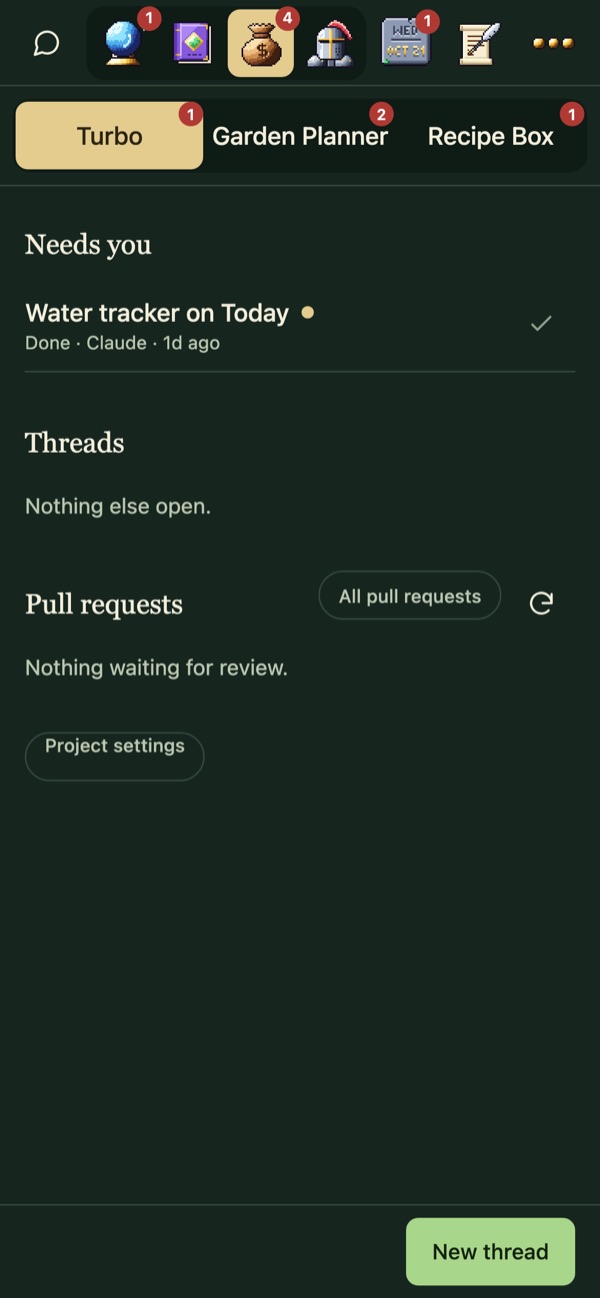 Your apps
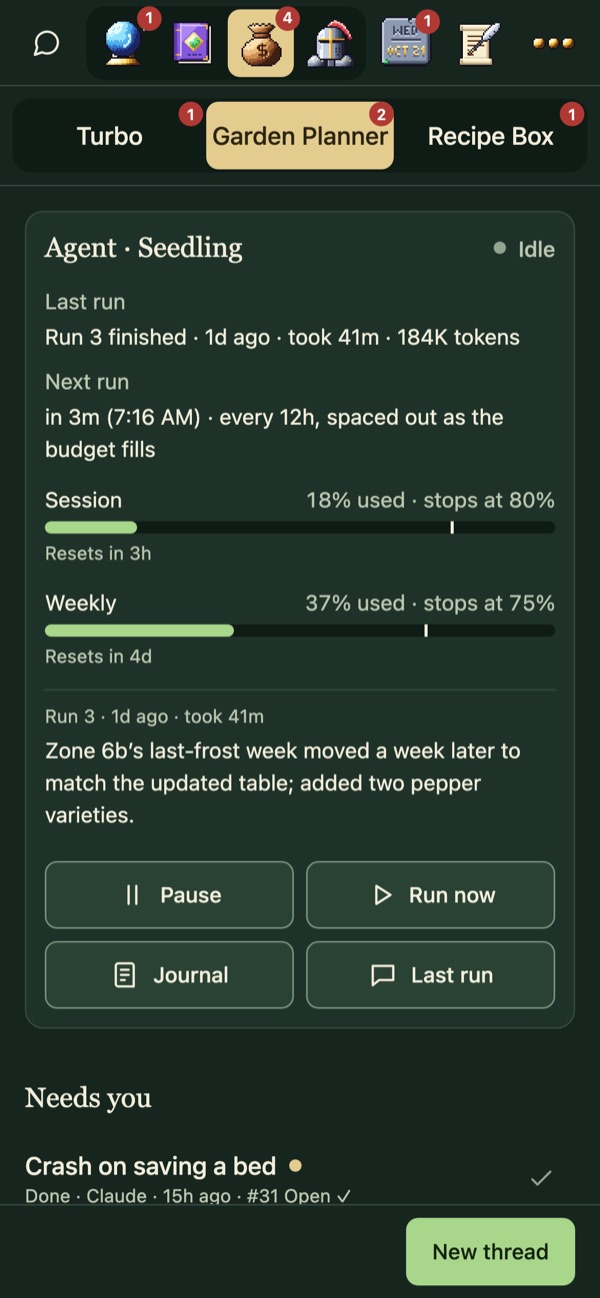 A project's desk
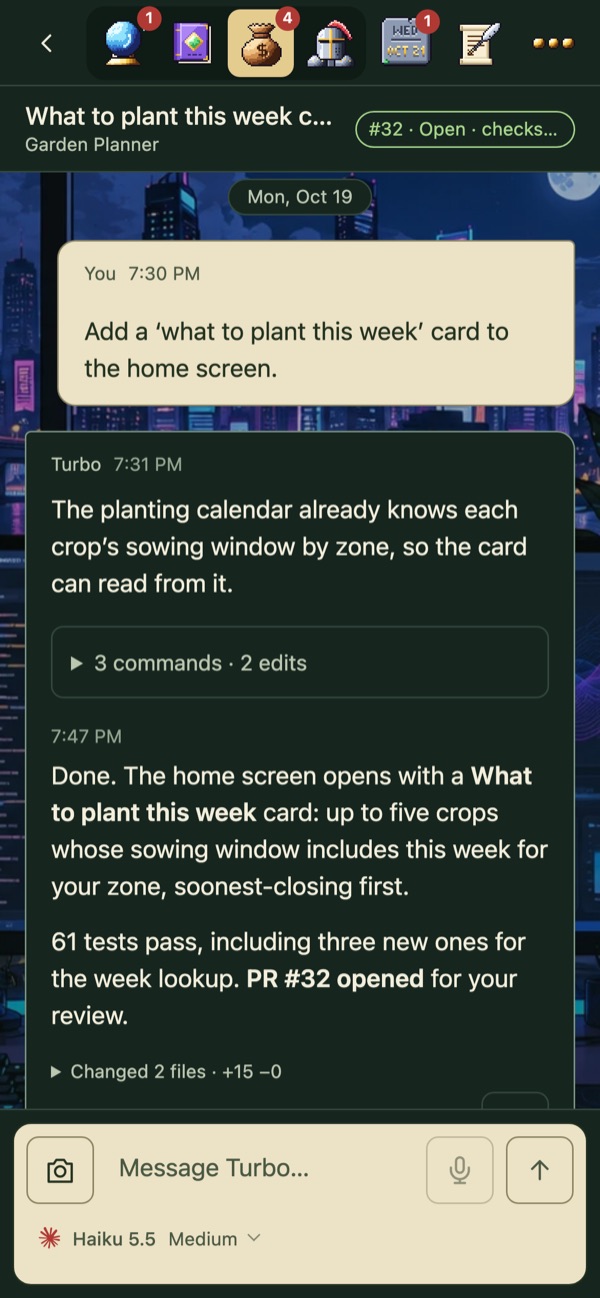 Building a feature
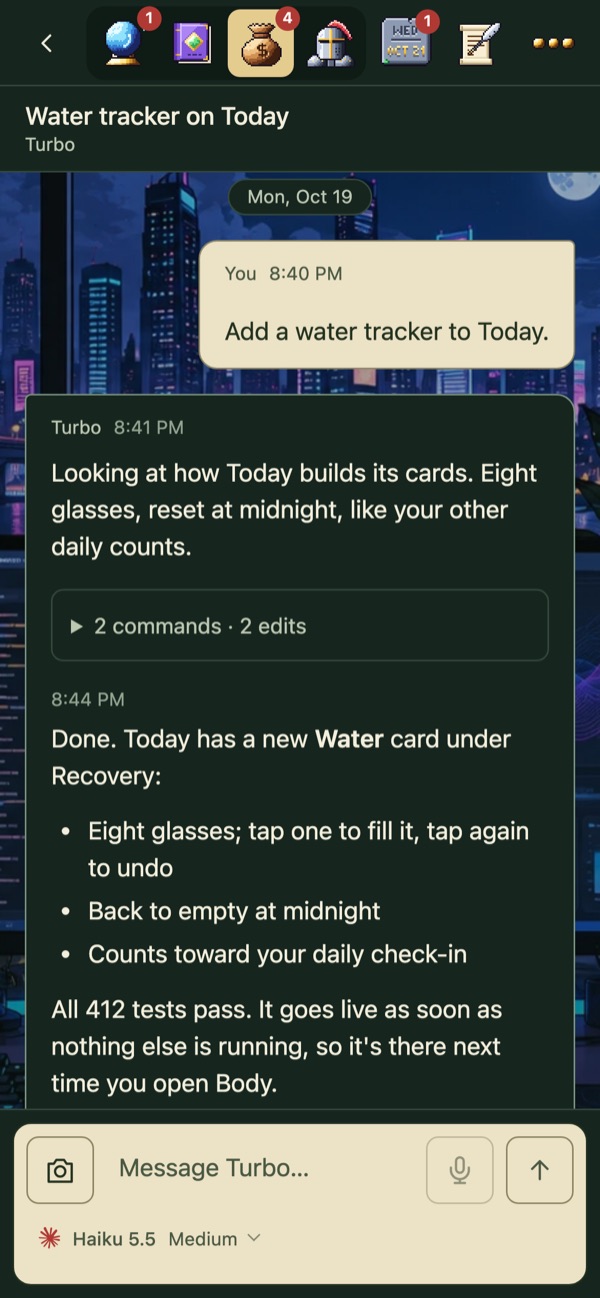 Turbo changing itself
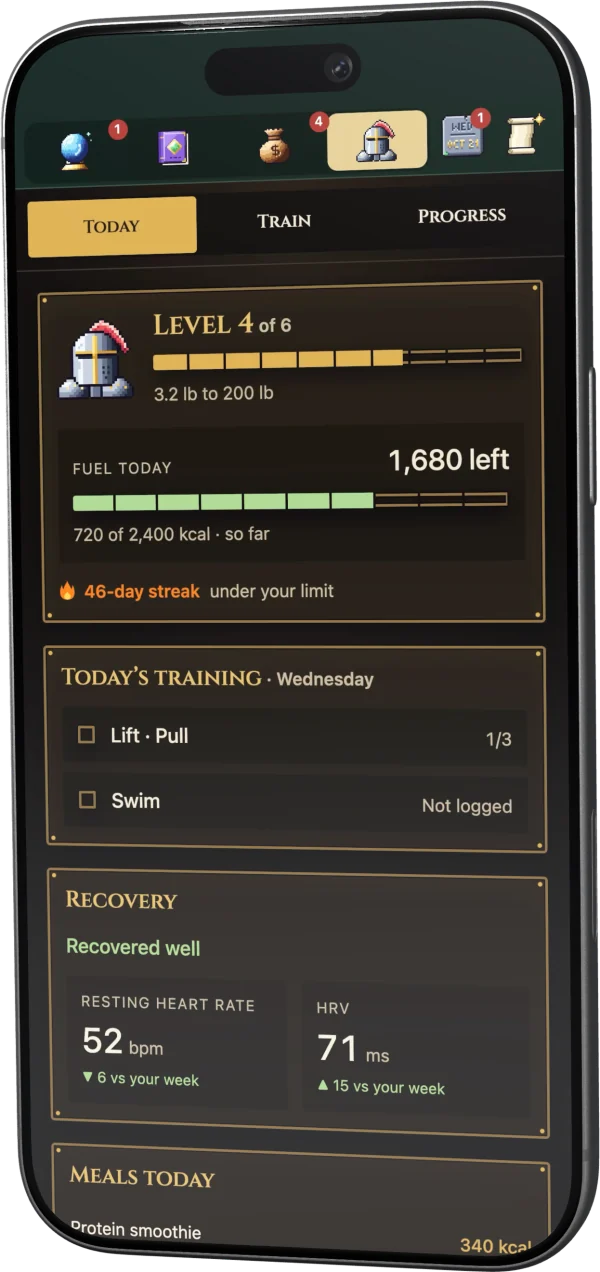
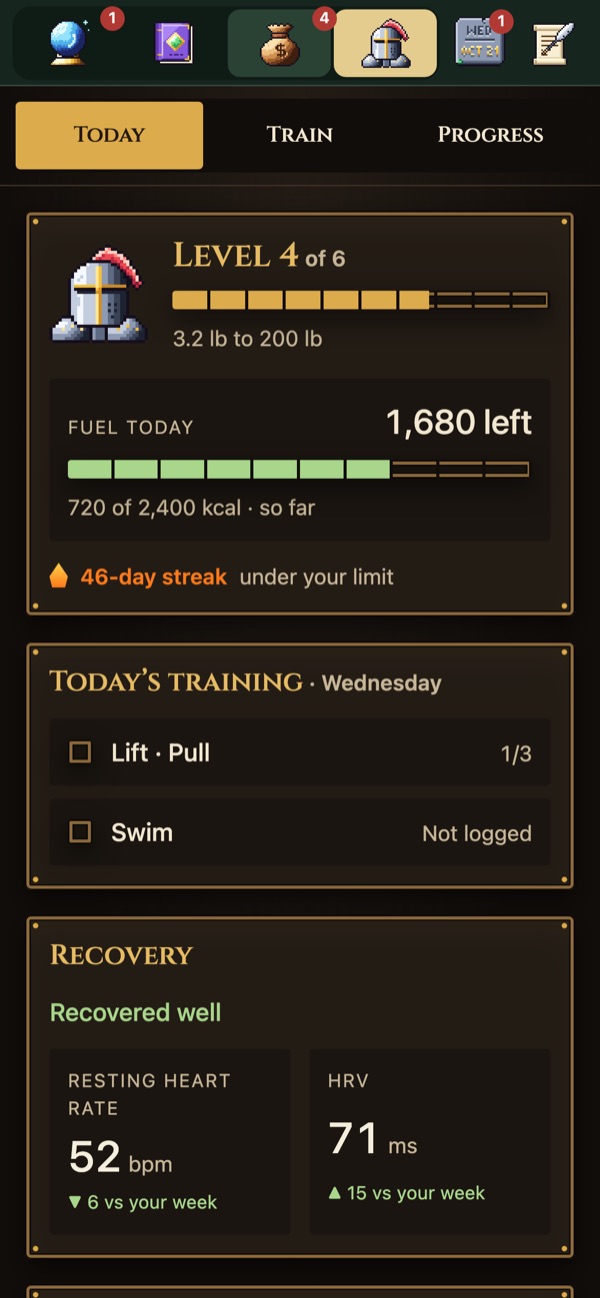
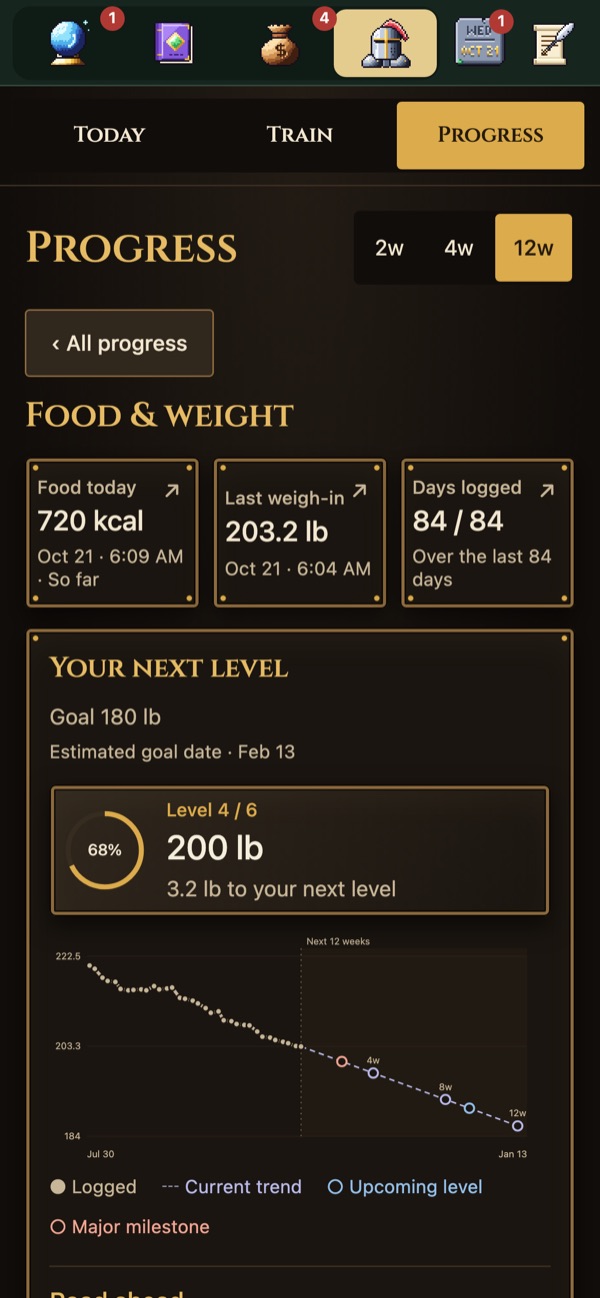
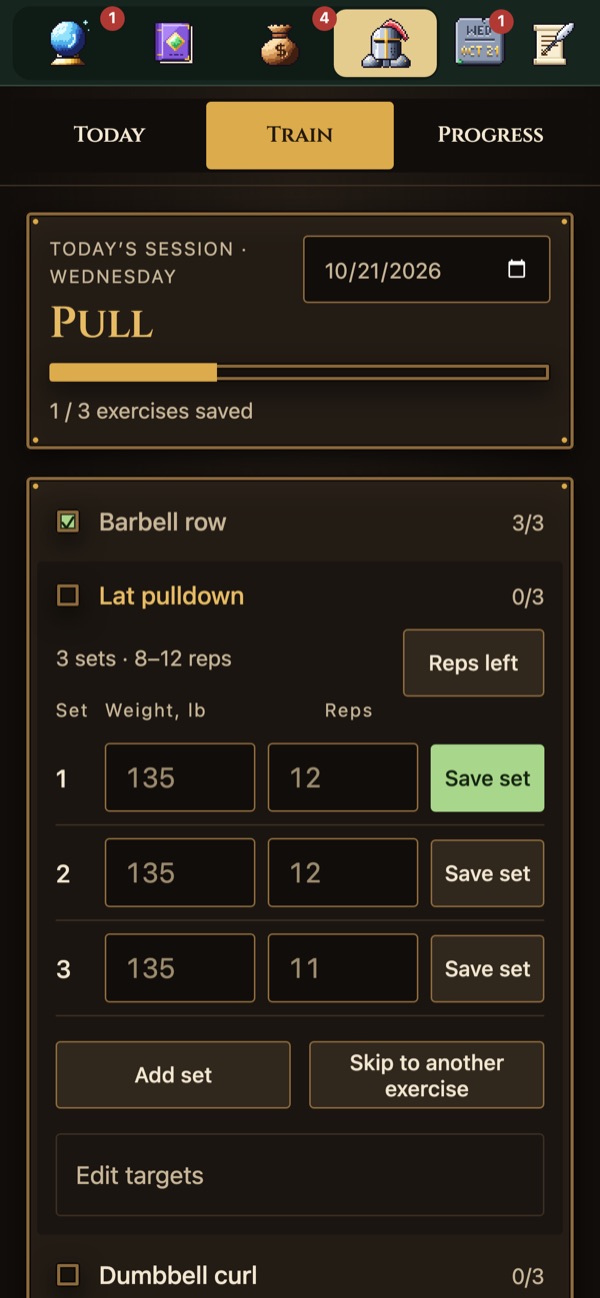
 Body
Replaces MyFitnessPal, Strong and the WHOOP app.
Weigh-ins, meals, lifts, swims and overnight heart data, turned into levels, streaks and a plan for today.
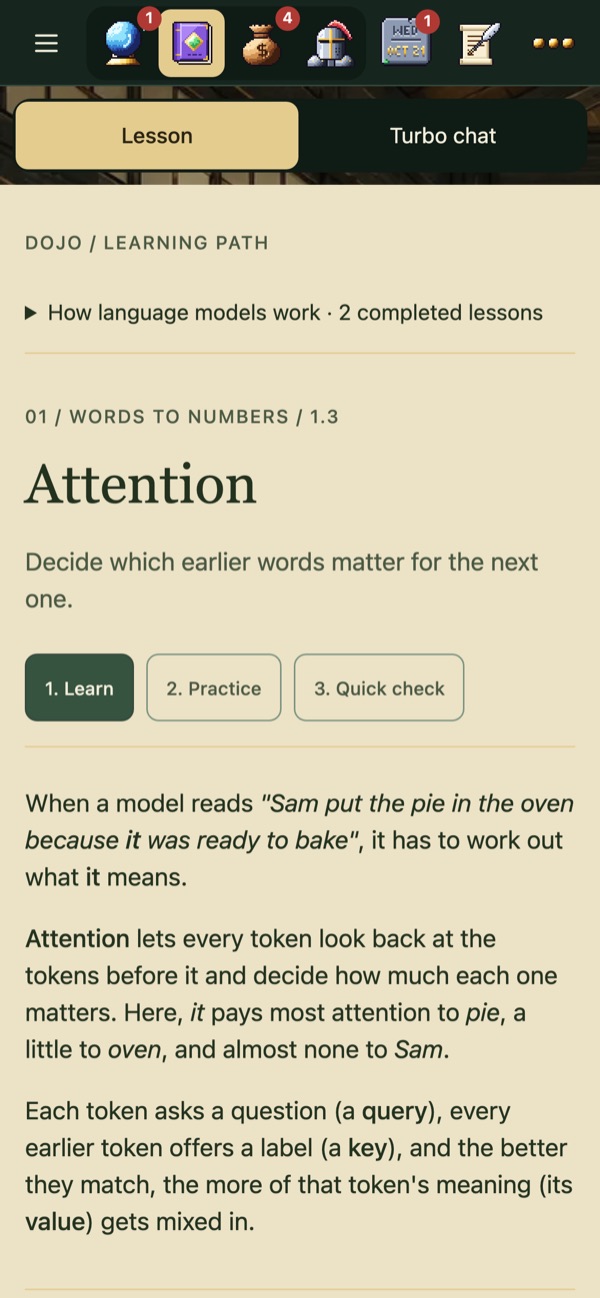
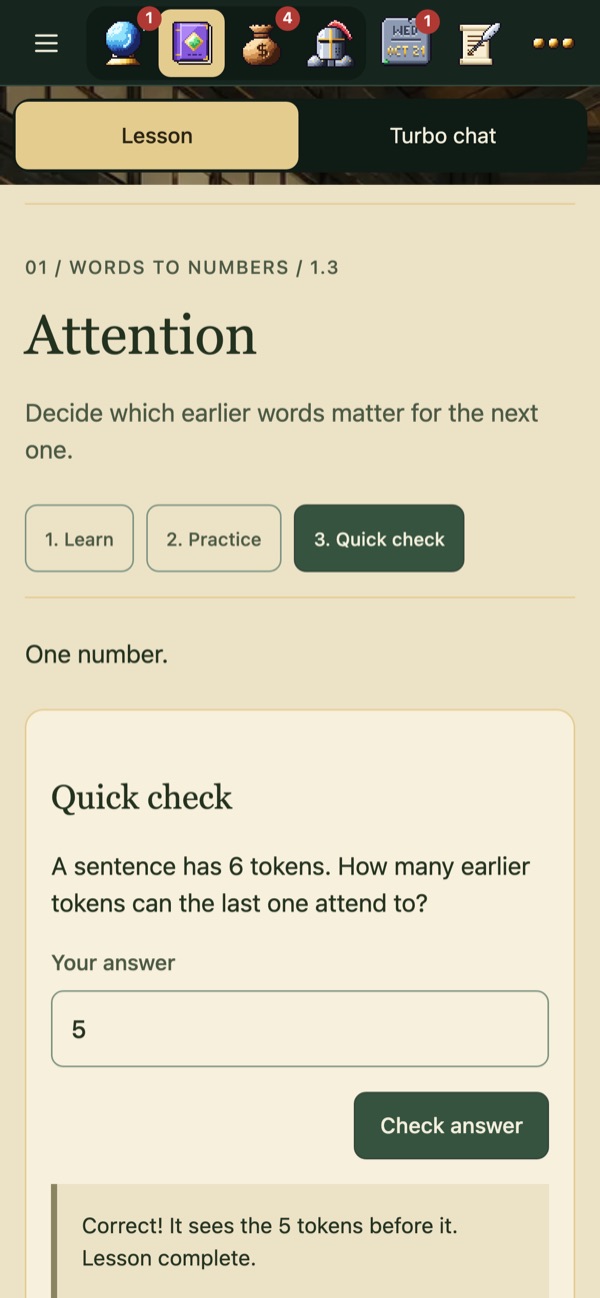
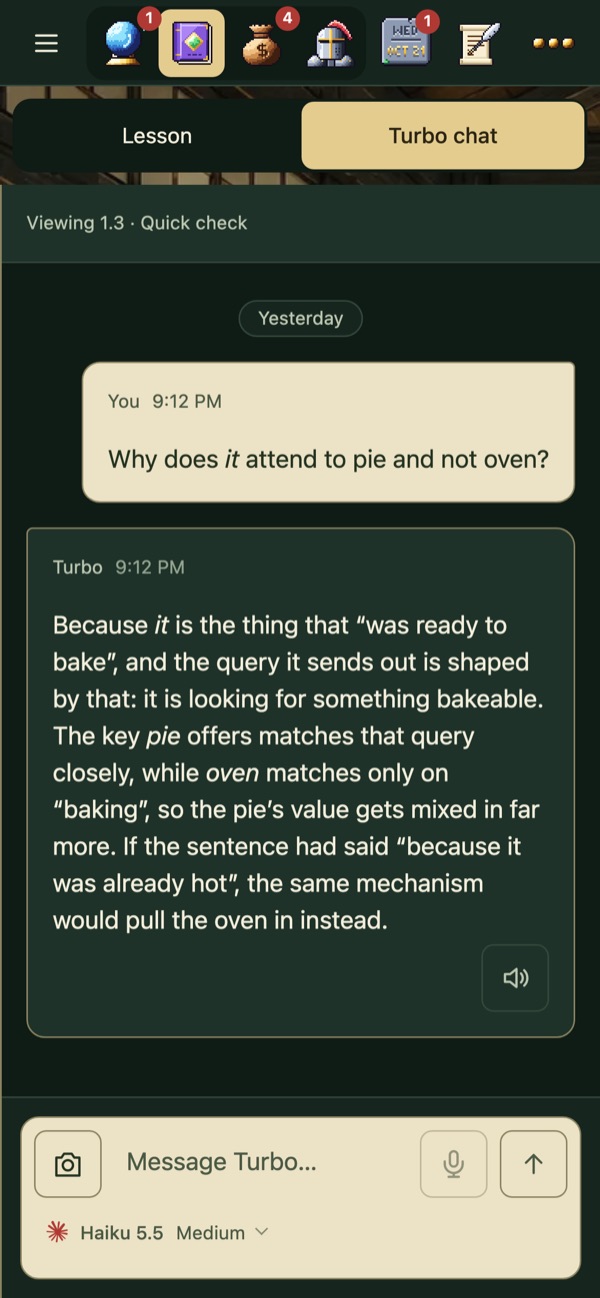
 Dojo
Replaces Khan Academy, Brilliant and a stack of tabs.
Learn a small idea, check it with one question, and ask Turbo about anything you did not follow.
Where it runs
Turbo is a website and a progressive web app. There is nothing to download: open it once, save it, and it lives next to your other apps with its own icon and push notifications.
 MobileOpen it in Safari, tap Share, then Add to Home Screen. It runs full screen and sends notifications.
 DesktopIn Safari choose Add to Dock, or install it from Chrome. It opens in its own window like any app.
Each copy is hosted on its owner's own computer, a Mac mini at home works well, and reached from the phone and laptop over a private Tailscale network. Nothing is in the cloud and nothing is reachable from the public internet.